
Kategori: Capture The Flag (CTF), HackTheBox
Tingkat Kesulitan: Very Easy
Sistem Target: Linux
Teknik: FTP Enumeration, Anonymous Login, File Download
🎯 Deskripsi
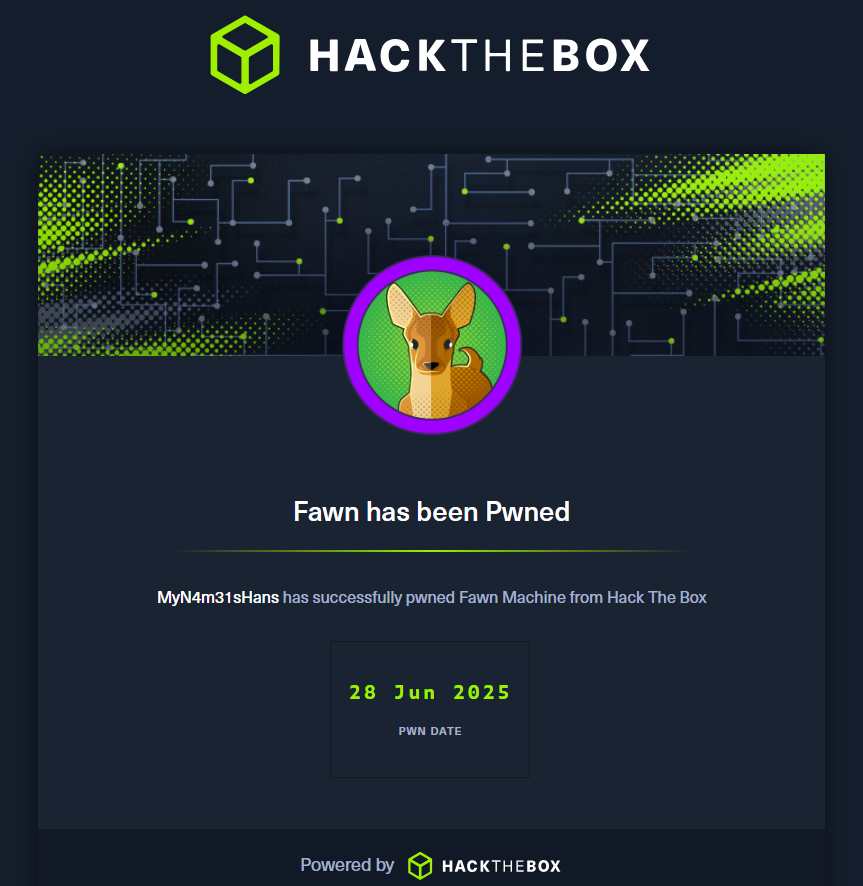
Fawn adalah mesin dari HackTheBox Starting Point yang dirancang untuk memperkenalkan teknik dasar eksploitasi FTP (File Transfer Protocol). Sangat cocok untuk pemula yang ingin belajar mengenali service umum, melakukan login anonim, dan mengekstrak data dari server.
🧰 Tools yang Digunakan
- Nmap (untuk scanning port & versi service)
- FTP client (bawaan Linux/Windows)
- Ping/ICMP (untuk koneksi)
- Terminal
🧠 Langkah-langkah Penyelesaian
✅ Task 1 — Apa Itu FTP?
Pertanyaan: What does the 3-letter acronym FTP stand for?
Jawaban: File Transfer Protocol
✅ Task 2 — Port Default FTP
Pertanyaan: Which port does the FTP service listen on usually?
Jawaban: 21
✅ Task 3 — Protokol Aman FTP
Pertanyaan: What acronym is used for a later protocol designed to provide similar functionality to FTP but securely, as an extension of the SSH protocol?
Jawaban: SFTP
✅ Task 4 — Tes Koneksi
Pertanyaan: What is the command we can use to send an ICMP echo request to test our connection to the target?
Jawaban: ping
✅ Task 5 — Versi FTP Server
Perintah:
nmap -sV 10.10.XXX.XXX
Jawaban: vsftpd 3.0.3
✅ Task 6 — Sistem Operasi Target
Perintah:
nmap -O 10.10.XXX.XXX
Jawaban: Unix
✅ Task 7 — Bantuan FTP Client
Pertanyaan: What is the command we need to run in order to display the 'ftp' client help menu?
Jawaban: ftp -?
✅ Task 8 — Login Anonim
Pertanyaan: What is username that is used over FTP when you want to log in without having an account?
Jawaban: anonymous
✅ Task 9 — Kode Login Berhasil
Pertanyaan: What is the response code we get for the FTP message 'Login successful'?
Jawaban: 230
✅ Task 10 — Perintah Daftar File
Pertanyaan: One is dir. What is the other command?
Jawaban: ls
✅ Task 11 — Unduh File dari FTP
Pertanyaan: What is the command used to download the file we found on the FTP server?
Jawaban: get
🚩 Submit Flag (Disensor Sesuai Aturan HTB)
- Login ke FTP Server:
ftp 10.10.XXX.XXXMasukkan:- Username:
anonymous - Password: [tekan Enter atau gunakan email dummy]
- Username:
- Lihat isi direktori:
ftp> ls - Unduh file flag:
ftp> get flag.txt - Buka file di lokal:
cat flag.txt - Hasil flag (disensor):
[REDACTED_HTB_FLAG]Sesuai Aturan Fair Play HTB, flag tidak boleh dipublikasikan secara utuh.
🏁 Kesimpulan
Mesin Fawn adalah titik awal sempurna bagi siapa saja yang ingin belajar:
- Cara melakukan port scanning dengan Nmap
- Memahami konsep anonymous FTP
- Mengunduh dan membuka file dari FTP server
- Dasar enumerasi sistem via command-line